256 GB of memory on every GPU. Submit a Run Job and it queues until GPUs are free, runs, then releases them. You pay only while your command runs, billed per second.
Self-serve · prepaid credit · no commitment
A job that needs three 80GB cards and a sharding config fits on one device.
The Run Job rate at eight GPUs. One GPU is $2.59. Instances start at $2.99. Billed per second from prepaid credit.
Add prepaid credit in the console. Submit Run Jobs from the CLI in one command, or launch an instance from the console or the CLI.
When the cluster is full, a Run Job queues and starts as soon as GPUs are free. Time spent waiting is not billed. An instance, by contrast, needs capacity at the moment you start it.
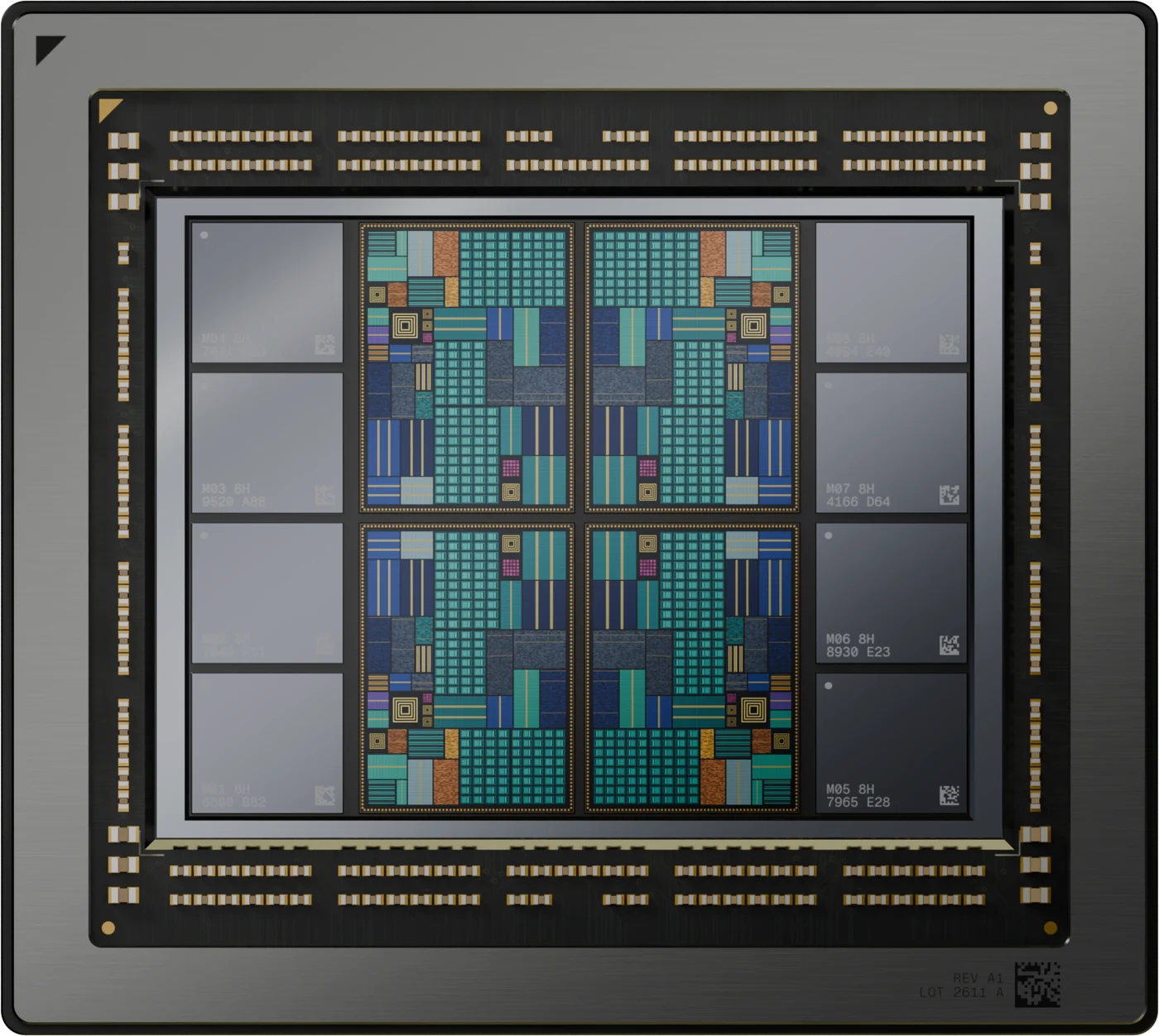
Memory capacity decides whether a model fits. MI325X carries 256GB on a single card, so work that would be split across three 80GB GPUs runs on one, with no sharding config and no interconnect to tune.
A full node holds eight: 2,048GB of GPU memory, 64 vCPUs and 2,048GB of system RAM in one instance, with 6.0 TB/s of memory bandwidth per card.
A fine-tune runs for hours or days and then stops. Billing is per second and ends when the container does, so between jobs you pay for stored volumes and nothing else.
Adapt an open model to your own data. Submit the run as a Run Job on the PyTorch (ROCm) template and write checkpoints to a network volume. Billing stops when the command exits.
Take a full node: eight GPUs and 2,048GB in one Run Job or instance. A Run Job stops at 24 hours, so longer runs resume from checkpoints on a network volume or stay on an instance.
Run your own workload on MI325X before you commit to it. Serve it with the vLLM (ROCm) template behind a public HTTPS port. If it holds up, managed GPU is the same hardware.
Submit one command as a Run Job from the CLI. If the cluster is full, it waits in the queue. It streams output back and releases the GPU when the command exits, and you pay only while the command runs.
Run Jobs cost $2.59 per GPU-hour on one GPU, $2.49 on two, $2.39 on four and $2.29 on eight. Instances run from $3.29 to $2.99. The list price is $3.80. Metered per second from prepaid credit, with no contract.
The more GPUs you use, the lower the rate. Run Jobs are cheaper at every size.
Beta prices; list price $3.80. GPU prices exclude add-ons such as CPU containers and storage. Run featherless-cloud pricing list for current rates.
Add CPU-only containers and storage alongside your GPUs. Everything is billed from prepaid credit, and compute is billed per second.
Run featherless-cloud pricing list for current rates.
DigitalOcean rate from its published pricing, checked 23 November 2026.
Cost per GB of GPU memory per hour. Fit a model on one card instead of splitting it across three.
Featherless prices at 8× GPUs. Lambda on-demand H100 price as published; check current rates.
Sign in to the console and add prepaid credit. No contract.
Network volumes keep datasets, code and checkpoints between jobs.
One command. It queues if GPUs are busy, streams output back, and billing stops when it exits.
A Run Job uses compute only while your command runs, so we can schedule it more efficiently. You pay a lower rate, and nothing once the command exits.
Generally yes, if nothing in it depends on CUDA-only code. Our templates ship PyTorch on ROCm.
Your Run Job joins a queue and starts automatically when GPUs free up. You are not billed while it waits. Use --detach to submit and come back later, and featherless-cloud runjob logs <job-id> --follow to watch it.
Run Jobs stop at 24 hours and can be interrupted. Checkpoint to a network volume and set --preemption-retries so a job restarts on its own.
Container disk is temporary. Anything on a network volume stays until you delete it, and can be mounted by several instances and Run Jobs at once.
A stopped instance isn't billed for compute. Network volumes are billed until you delete them.
No commitment. Credit is prepaid, and an instance starts when your credit covers one hour at its rate.
On memory, 256GB per GPU against 80GB on an H100 and 141GB on an H200. We have not measured throughput against either, so we do not quote it. Billing is per second: ten minutes of your own job on one GPU costs about 43 cents as a Run Job.
No. One instance or Run Job uses up to eight GPUs on a single node, 2,048GB in total. You can run several side by side, up to 16 GPUs per organization by default, and ask in Discord for a higher limit.
Not on GPU Cloud. That is fine for a training run and wrong for production traffic with a latency target. If you need an uptime commitment, managed GPU is the product, and it runs on the same hardware.
We maintain three ROCm templates, PyTorch, vLLM and SGLang, each with SSH and JupyterLab. Everything after launch is yours: the model, the settings and the job. If you want a model catalog behind an API, that is our serverless inference product.
No. It is your data and we do not read it. We monitor metadata only, to catch abuse such as someone attacking a third party from our network. Files on a network volume stay on our disks until you delete the volume, so we have legal obligations and would cooperate with a lawful request.
The region and egress pricing. If either decides it for you, ask in Discord or email gpu@featherless.ai before you add credit.
Need more than 16 GPUs or managed support? Email the GPU team.
If you are moving an inference workload or need more than 16 GPUs, talk to us about managed GPU or a higher limit.


