Dedicated AMD GPUs, billed per second. Submit a Run Job that queues until GPUs are free and releases them when your command exits, or keep an instance for work that stays up.
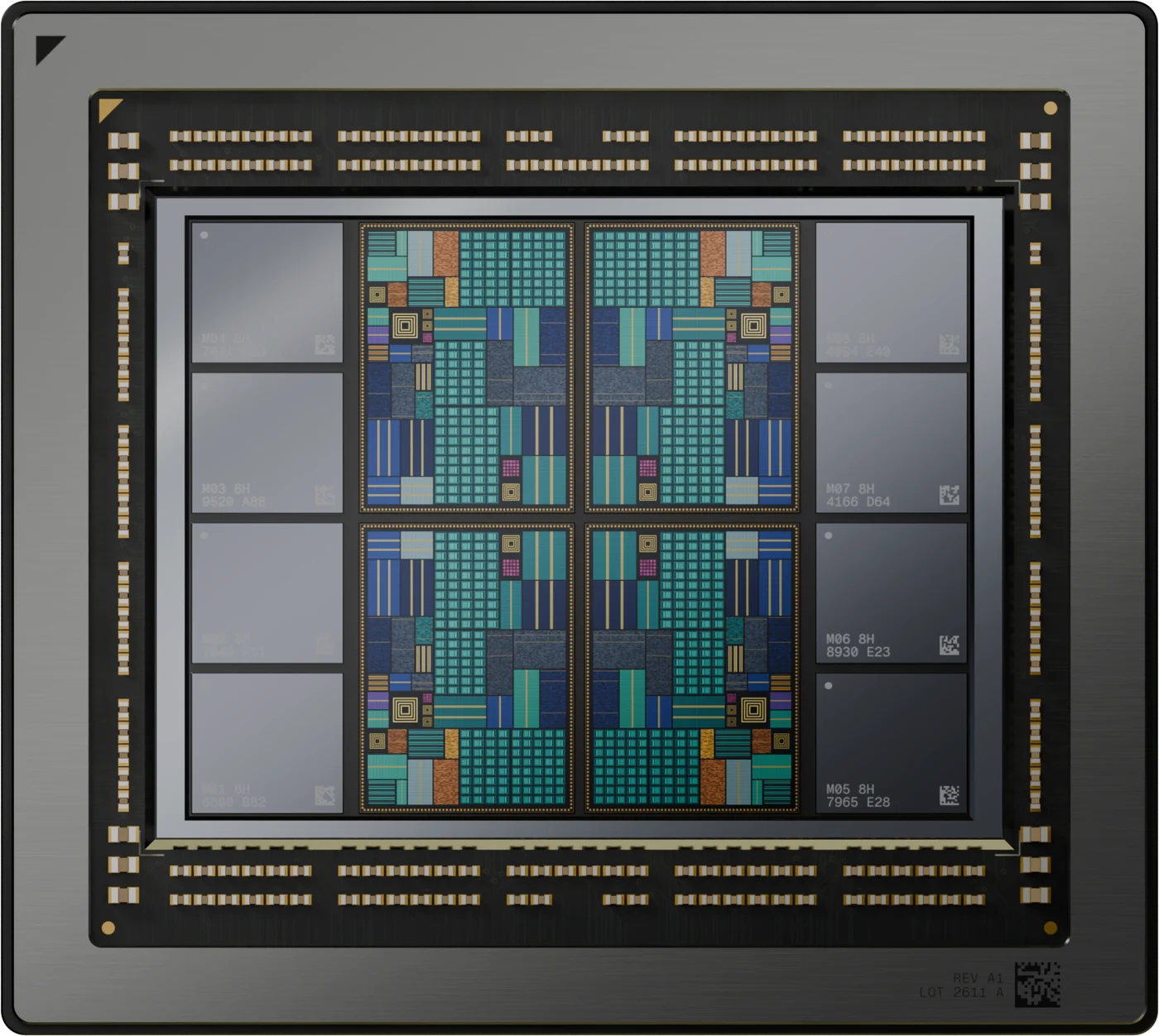
ROCm images run on AMD Instinct MI325X GPUs with 256 GB each. The console lists the GPUs you can launch now.
Metered from the moment the container starts. Waiting in the queue and pulling the image are free. A Run Job stops billing when its command exits, and a stopped instance is not billed for compute.
Add prepaid credit in the console. Submit Run Jobs from the CLI in one command, or launch an instance from the console or the CLI.
The job starts as soon as GPUs are free, and the wait is not billed. An instance needs capacity at the moment you start it.
Every instance runs on dedicated GPUs, and each GPU comes with its own share of CPU and memory. Launch 1, 2, 4 or 8 on a single node, so a job that outgrows one card scales without a second machine to wire up.
Every GPU runs ROCm, so PyTorch and most training stacks work as written. Start from a maintained template or bring your own image.
A fine-tune runs for hours or days and then stops. Billing is per second and ends when the container does, so between jobs you pay for stored volumes and nothing else.
Adapt an open model to your own data. Submit the run as a Run Job from a PyTorch template or your own image and write checkpoints to a network volume. Billing stops when the command exits.
Take up to eight GPUs in one Run Job or instance. A Run Job stops at 24 hours, so longer runs resume from checkpoints on a network volume or stay on an instance.
Serve a model with vLLM or SGLang behind a public HTTPS port and test it with your own traffic. When the workload settles into production, move it to managed GPU for an SLA.
Submit one command as a Run Job from the CLI. If the cluster is full, it waits in the queue. It streams output back and releases the GPU when the command exits, and you pay only while the command runs.
Waiting in the queue and pulling the image are free. A Run Job stops billing when its command exits, and a stopped instance is not billed for compute. An instance keeps the rate it launched at, and there is no contract.
Add credit by card and pay per second while the container runs. GPU rates depend on the model, the count, and whether it is a Run Job or an instance. The console shows the rate before you launch.
MI325X beta prices as of 22 November 2026. The rates shown are at eight GPUs. One GPU is $2.59 as a Run Job and $3.29 as an instance, and the list price is $3.80. CPU and storage rates as of 19 November 2026. Run featherless-cloud pricing list for the current rate of every GPU model, or see MI325X pricing for each configuration.
Sign in to the console with your Featherless account and add prepaid credit. There is no contract.
PyTorch, vLLM and SGLang templates ship with SSH and JupyterLab, or bring your own linux/amd64 image. Choose the GPU model, take 1, 2, 4 or 8, and mount a network volume for anything you want to keep.
Submit a command as a Run Job and billing stops when it exits. Or launch an instance, connect over SSH, the browser terminal or JupyterLab, and stop it when the work is done.
A Run Job uses compute only while your command runs, so we can schedule it more efficiently. You pay a lower rate, and nothing once the command exits.
Your Run Job joins a queue and starts automatically when GPUs free up. You are not billed while it waits. Use --detach to submit and come back later, and featherless-cloud runjob logs <job-id> --follow to watch it. An instance needs capacity at the moment you start it.
Generally yes, if nothing in it depends on CUDA-only code. PyTorch's torch.cuda API drives the GPU through ROCm, so most code runs as written. The maintained PyTorch, vLLM and SGLang templates are built on ROCm. If you are unsure about a library, ask in Discord before you add credit.
The AMD Instinct MI325X, with 256GB per GPU, is available now: Run Jobs from $2.29 and instances from $2.99 per GPU-hour. The console lists every model you can launch, with its memory and its rate, and holds the capacity when you launch. The CLI prints the same list with featherless-cloud pricing list.
No. One instance or Run Job uses up to eight GPUs on a single node. You can run several side by side, up to 16 GPUs per organization by default, and ask in Discord for a higher limit.
Not on GPU Cloud. That is fine for a training run and wrong for production traffic with a latency target. If you need an uptime commitment, managed GPU is the product.
We maintain PyTorch, vLLM and SGLang templates, each with SSH and JupyterLab. Everything after launch is yours: the model, the settings and the job. If you want a model catalog behind an API, that is our serverless inference product.
Not from a running instance. It sits on dedicated compute until you stop it or your credit runs out. If you stop it, starting again needs a free GPU of the same model, which can fail when capacity is short. Run Jobs are different: they stop at 24 hours and can be interrupted to make room for other work. Write checkpoints to a network volume and set --preemption-retries so an interrupted job starts again on its own.
No. It is your data and we do not read it. We monitor metadata only, to catch abuse such as someone attacking a third party from our network. Files on a network volume stay on our disks until you delete the volume, so we have legal obligations and would cooperate with a lawful request.
Usage is metered per second from the moment the container starts. Waiting in the queue and downloading the image are not billed. A Run Job stops billing when its command exits. A stopped instance is not billed for compute, and its container disk bills only while it runs. Network volumes bill for their full size from creation until you delete them.
The container disk is erased on every stop and restart, installed packages included. Keep datasets, checkpoints and the Hugging Face cache on a network volume. A volume keeps its data when the instance stops or is deleted, can grow while mounted, and can be mounted by several instances and Run Jobs at once.
There is no commitment, and credit is prepaid. An instance starts once your credit covers one hour of its rate. A Run Job sets aside credit for its full time limit before it starts and charges only for the time it ran, so set --timeout close to what the job needs.
The region and egress pricing. If either decides it for you, ask in Discord or email gpu@featherless.ai before you add credit.
Sign in with your Featherless account, add credit and launch. The quickstart covers sign-in, launch, running code and clean-up.
If you are moving an inference workload or need more than 16 GPUs, talk to us about managed GPU or a higher limit.


